
Encrypted vault
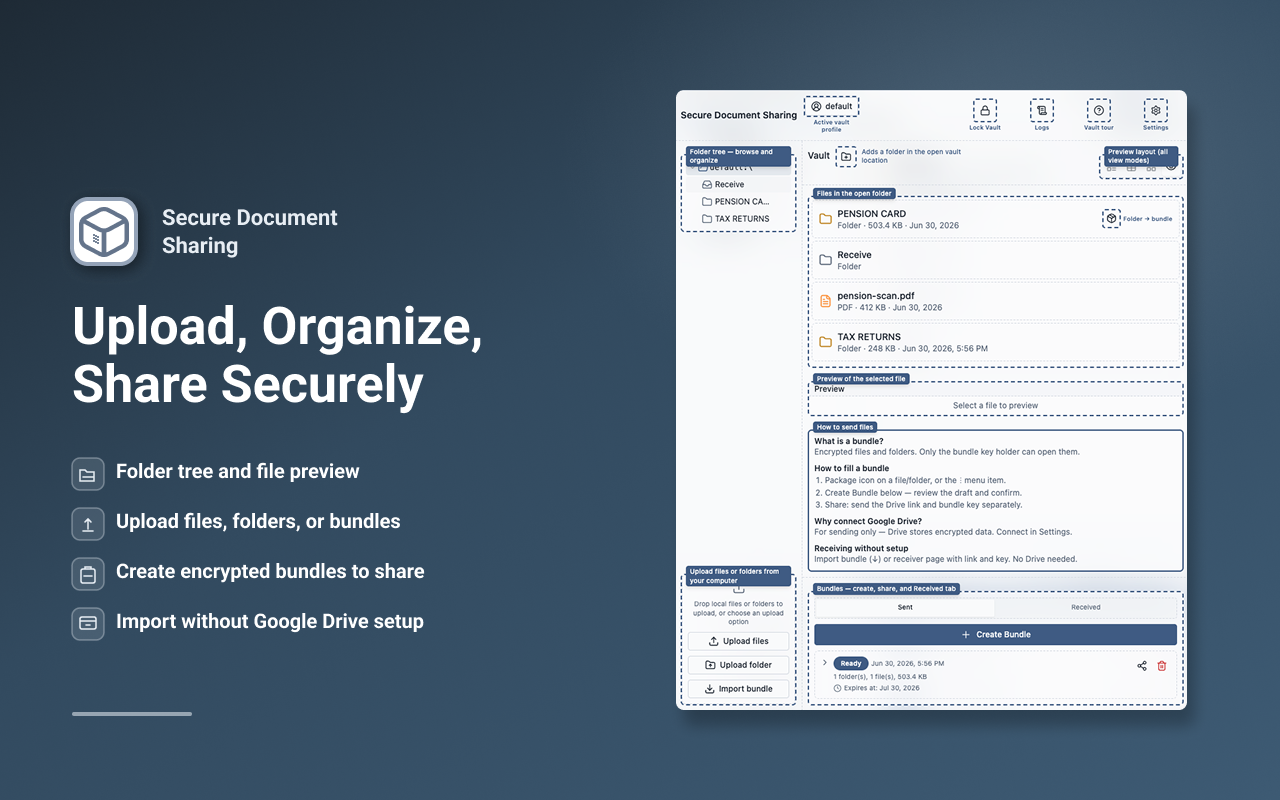
Organize files locally with AES-256-GCM and Argon2id. Folders, previews, and comments stay encrypted at rest in your browser.
Encrypted document vault, secure file transfer, and Google Drive bundles — link and encryption key stay on separate channels.
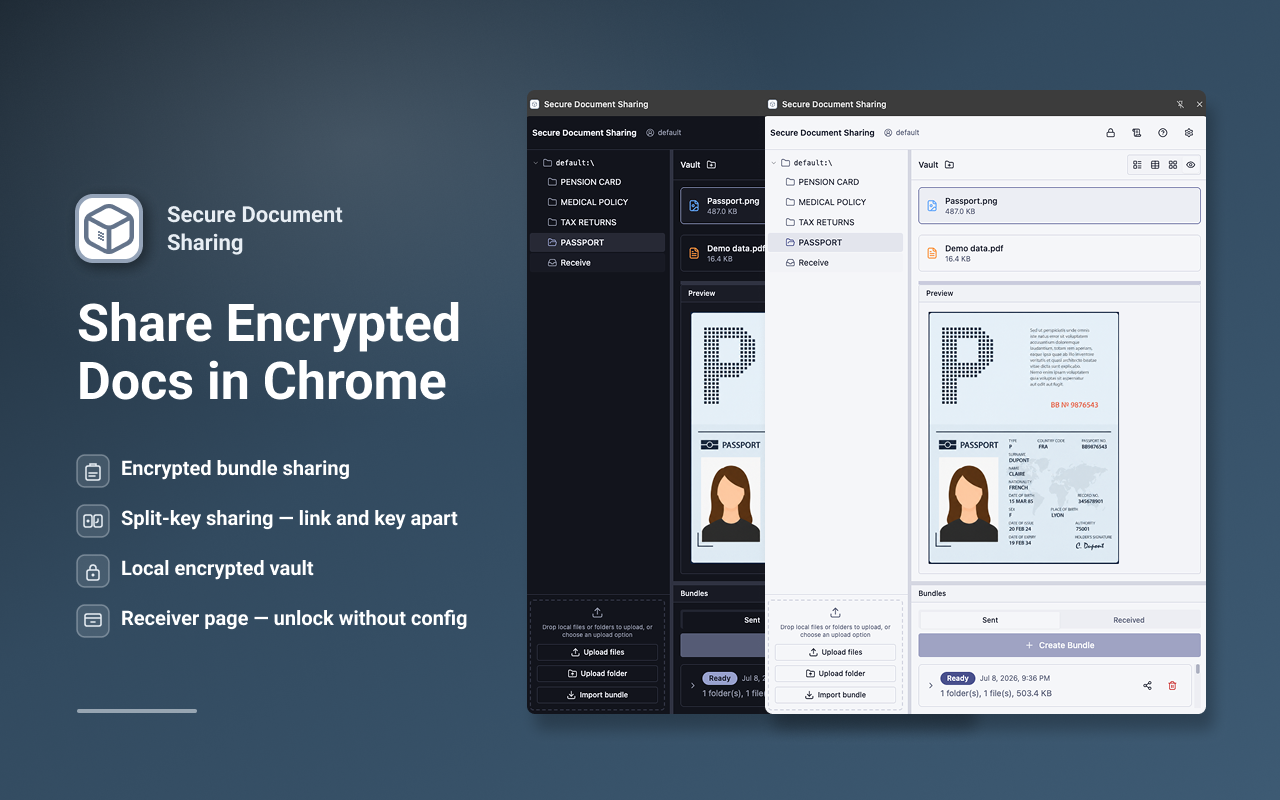
Organize files locally with AES-256-GCM and Argon2id. Folders, previews, and comments stay encrypted at rest in your browser.
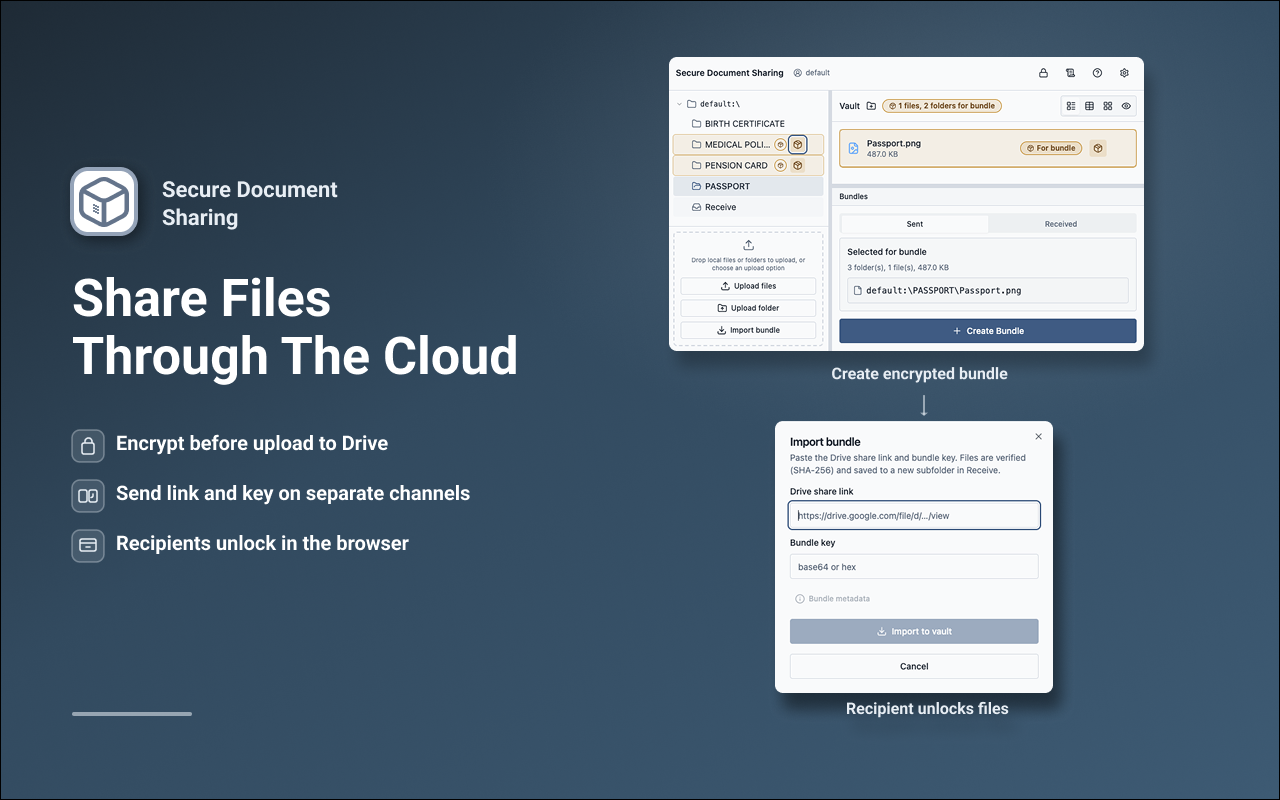
Package folders and files into encrypted bundles. Only ciphertext is uploaded to Google Drive when you choose to publish.
Send the Drive link and bundle key on separate channels. The link alone cannot decrypt your documents.
Recipients paste a Drive file ID and bundle key — no vault setup required to unlock a bundle in Chrome.
Cryptography runs on your device. No ads. No analytics trackers in v1. Vault, send, receiver, and import included in the free tier.
Optional OAuth connects your Google account. Blobs are opaque UUIDs on Drive — filenames and keys stay out of the cloud.
The use of information received from Google APIs will adhere to the Chrome Web Store User Data Policy, including the Limited Use requirements. Details in our Privacy Policy.
Files are encrypted in a local vault. Bundles are encrypted client-side. You share a Drive link and bundle key on separate channels. Recipients decrypt in the browser.
No. Your passphrase never leaves your device. We do not operate servers that receive vault keys or file contents.
Bundles up to 2 GB with resumable uploads. Limits also depend on your Google Drive storage and browser memory.
The receiver page unlocks bundles in Chrome. Importing into a vault requires installing the extension.
No — not automatically. Your vault lives in this extension’s local IndexedDB and chrome.storage.local on each device. Chrome profile sync may install the same extensions elsewhere, but it does not copy extension vault data. To use your vault on another computer, transfer it explicitly: Pro users can restore an encrypted .sdsp profile backup (file or Drive link) and enter the same passphrase; or export files manually. Google Drive connection (OAuth) must be set up again on the new device.
Install from the Chrome Web Store, set a passphrase, and add your first files in the side panel.
Add to Chrome